

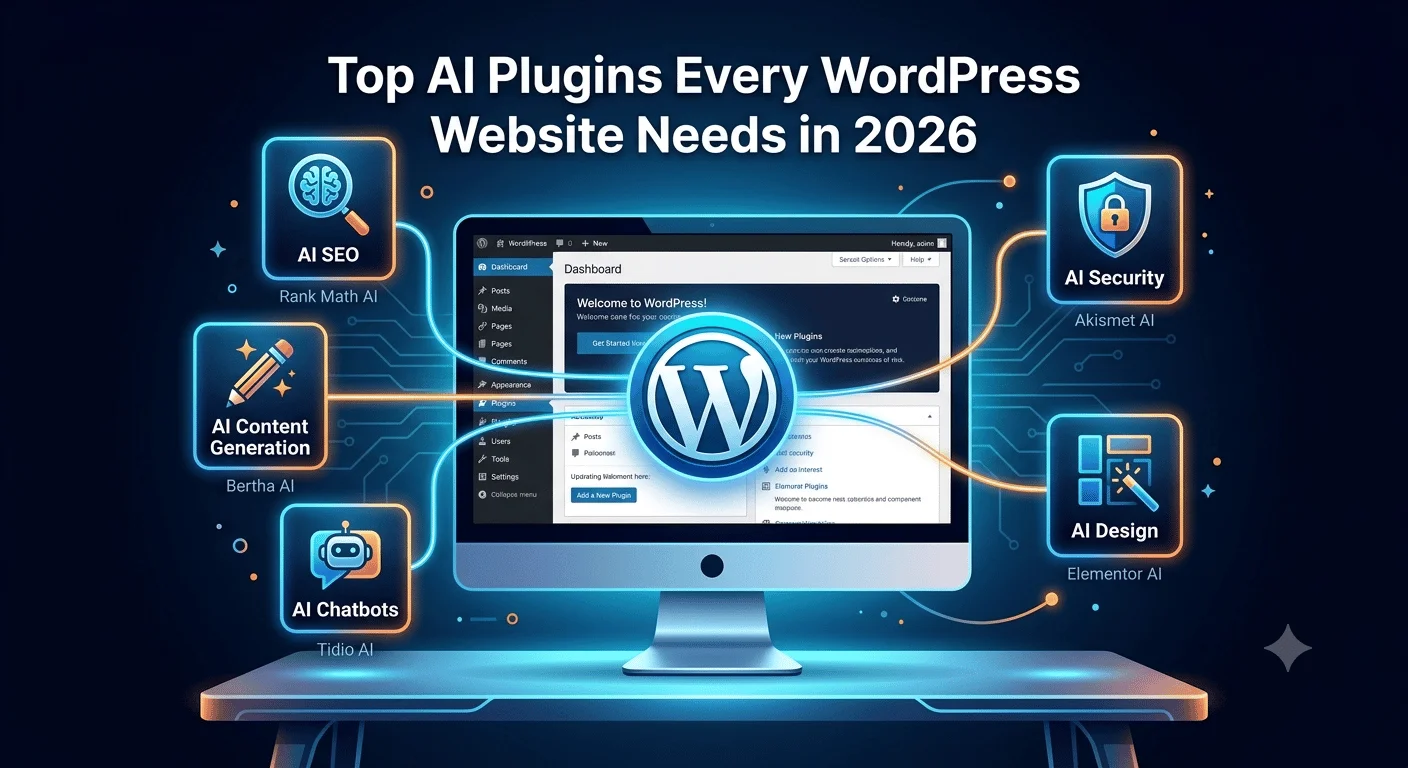
The top AI plugins every WordPress website needs in 2026 are Rank Math or Yoast for AI powered SEO, Jetpack AI Assistant or Bertha AI for content generation, Tidio or MxChat for AI chatbots, Elementor AI or Divi AI for design, and Akismet for AI enhanced security. These five cover the core jobs most WordPress sites need help with: getting found on Google, writing content faster, answering visitor questions, building pages, and filtering out spam. This guide breaks down what each of these plugins does, how much they cost, and how to choose the right combination without overloading your site.
Quick List: Top AI Plugins for WordPress in 2026
- Rank Math (Content AI) – AI powered SEO suggestions, keyword optimization, and schema markup
- Yoast (AI features) – AI assisted meta descriptions and content structure suggestions
- AIOSEO – AI assisted schema markup and internal linking suggestions
- Jetpack AI Assistant – AI content drafting directly inside the WordPress block editor
- Bertha AI – AI writing assistant for blog posts and product descriptions
- GetGenie – AI content generation with built in SEO scoring
- AI Engine – Developer focused AI tool that connects to models like GPT for custom prompts
- Tidio – AI chatbot combined with live chat for customer support
- MxChat – AI chatbot using retrieval augmented generation pulled from your own site content
- Elementor AI – AI generated page layouts and design elements for Elementor users
- Divi AI – AI design assistant built into the Divi page builder
- WPForms – Conversational AI form builder that creates forms from plain language prompts
- Akismet – AI enhanced spam filtering for comments and form submissions
Each of these is covered in more detail below, including pricing, performance impact, and which type of user each plugin suits best.
What Categories of AI Plugins Does a WordPress Website Need in 2026?
A WordPress website generally needs AI tools across five areas: SEO optimization, content generation, customer support chatbots, design assistance, and security or workflow automation. Trying to cover all five with a single all in one plugin usually works less well than picking a specialized tool for each job.
This matches how most AI tools for WordPress websites are actually built. SEO plugins use AI to suggest keywords and structure content for search engines. Content plugins use AI to draft blog posts, product descriptions, or meta text. Chatbot plugins use AI to answer visitor questions in real time. Design plugins use AI to speed up page building. Security and automation plugins use machine learning in the background, often without the user noticing at all.
Which AI SEO Plugins Are Worth Using on WordPress?
Rank Math and Yoast are the two most established SEO plugins for WordPress, and both now include AI features built directly into their premium versions. Rank Math’s Content AI tool and Yoast’s AI powered suggestions help writers optimize headings, meta descriptions, and keyword placement without leaving the WordPress editor.
AIOSEO is another option worth considering, particularly for sites that want AI assisted schema markup and internal linking suggestions alongside standard SEO checks. For most business websites, one AI SEO plugin is enough. Running two at once can cause conflicting recommendations and unnecessary plugin bloat.
Which AI Chatbot Plugins Work Best for WordPress Sites?
Tidio and MxChat are two of the most commonly used AI chatbot plugins for WordPress in 2026. Tidio combines live chat with an AI chatbot that can handle common customer questions automatically, while MxChat is built specifically around retrieval augmented generation, meaning its answers are pulled directly from your own website content rather than generic responses.
The right AI chatbot plugin for WordPress depends on how much of your customer support you want to automate. A site that mainly needs to answer FAQs can use a simpler chatbot setup, while a site handling product inquiries or lead qualification may benefit from a tool like MxChat that connects to a knowledge base.
Which AI Content Generator Plugins Help With WordPress Blogging?
Jetpack AI Assistant, Bertha AI, and GetGenie are commonly used AI content generator plugins for WordPress, each helping with tasks like drafting blog posts, writing product descriptions, and generating meta titles directly inside the block editor. AI Engine is another option that connects to models like GPT and lets users customize prompts for more specific content needs.
These plugins speed up the writing process, but published content still needs a human review before it goes live. AI generated drafts often need fact checking, tone adjustments, and formatting cleanup, especially for content meant to build trust with readers or rank well in search results.
How Do AI Plugins Affect WordPress Website Speed and Performance?
AI plugins can slow down a WordPress site if they load unnecessary scripts on every page, but well built plugins are designed to load only when needed. Chatbot widgets, for example, should load asynchronously so they don’t delay the rest of the page from displaying.
Do AI Plugins Slow Down a WordPress Site?
Some AI plugins do add measurable load time, particularly chatbot widgets and design tools that run scripts on the frontend. The impact usually depends on how the plugin is coded, not just how many features it includes.
Which AI Plugins Are Built With Performance in Mind?
Plugins like Akismet, which uses machine learning for spam filtering, run mostly on the backend and have minimal impact on page load speed. Frontend heavy tools like AI chatbots and design assistants tend to have a bigger effect, which is why testing site speed after installing any new plugin is a good habit. How cleanly these tools render across devices also depends on the underlying frontend code, which is one reason some businesses work with a frontend development company in Faridabad to make sure new plugins integrate smoothly instead of conflicting with existing scripts.
Are AI WordPress Plugins Free or Paid?
Most AI plugins for WordPress offer a free tier with limited features and a paid tier for higher usage or advanced tools. Akismet and Tidio both offer functional free plans, while tools like Rank Math’s Content AI and MxChat typically require a paid subscription once usage grows beyond a basic level.
Pricing for AI content and chatbot plugins is often based on usage, such as the number of AI generated words per month or the number of chatbot conversations handled. It’s worth checking these limits before committing to a plan, since costs can increase quickly for high traffic sites.

Which AI Plugins Are Beginner Friendly vs Developer Focused?
Plugins like Elementor AI and Divi AI are built for beginners, letting users generate page layouts and design elements through simple prompts without touching code. Tools like AI Engine, on the other hand, are more developer focused, offering deeper customization for businesses that want to connect specific AI models or build custom prompts.
WPForms also fits the beginner friendly category, using a conversational AI form builder that turns plain language instructions into working forms. For non technical users, sticking to plugins with visual interfaces and guided setup reduces the learning curve significantly.
How Do We Approach AI Integration on WordPress Websites at Adlivetech?
At Adlivetech, we have been building and maintaining WordPress websites since 2016. We are based in Faridabad and offer WordPress development alongside AI driven services such as chatbot development, machine learning solutions, and AI powered automation.
When we integrate AI plugins into a client’s WordPress site, we typically start by identifying which specific problem the plugin needs to solve, whether that’s answering customer questions, speeding up content production, or improving SEO structure. We test plugins for compatibility with the site’s existing theme and page builder before recommending them for long term use. We have been recognized by organizations including ThreeBestRated, CSS Design Awards, and CSSWinner, and our work has also been listed on Envato Market’s ThemeForest community. Client feedback on our work can be found on Google, Glassdoor, and Trustpilot.
How Do You Choose the Right AI Plugin for Your WordPress Site?
The right AI plugin depends on the specific problem you’re trying to solve, not on how many features a plugin advertises. A site struggling with SEO consistency needs a different tool than a site trying to automate customer support.
Before installing any AI plugin, it helps to check how it handles data privacy, since some tools send content to third party AI models for processing. It’s also worth reading recent reviews, since AI plugins update frequently and older reviews may not reflect current performance. Testing one plugin at a time, rather than installing several AI tools at once, makes it easier to track which changes actually improve the site and which ones cause conflicts or slowdowns.
Frequently Asked Questions
Do I need multiple AI plugins or just one all in one plugin?
Most WordPress sites do better with a few specialized plugins rather than one all in one tool trying to cover every function. Specialized plugins tend to perform their specific task better and cause fewer conflicts with existing themes or other plugins.
Can AI plugins replace a developer for WordPress customization?
AI plugins can handle routine tasks like content drafting or basic design suggestions, but they generally cannot replace a developer for custom functionality, complex integrations, or troubleshooting site specific issues. For more advanced customization, a developer is still usually needed.
Are AI WordPress plugins safe for client data and privacy?
This depends on the specific plugin, since some send data to third party AI providers for processing while others keep data within the WordPress installation. It’s worth reviewing each plugin’s privacy policy before using it on a site that handles sensitive customer information.
Do AI plugins work with WooCommerce stores?
Many AI plugins, including chatbot tools like Tidio and MxChat, are built to integrate with WooCommerce for tasks like product recommendations and customer support. Compatibility varies by plugin, so checking WooCommerce support before installation is recommended.
How often should AI plugins be updated on a WordPress site?
AI plugins should be updated as soon as new versions are released, since the AI models and features behind these plugins change frequently. Delaying updates can lead to compatibility issues or missed improvements in accuracy and performance.