
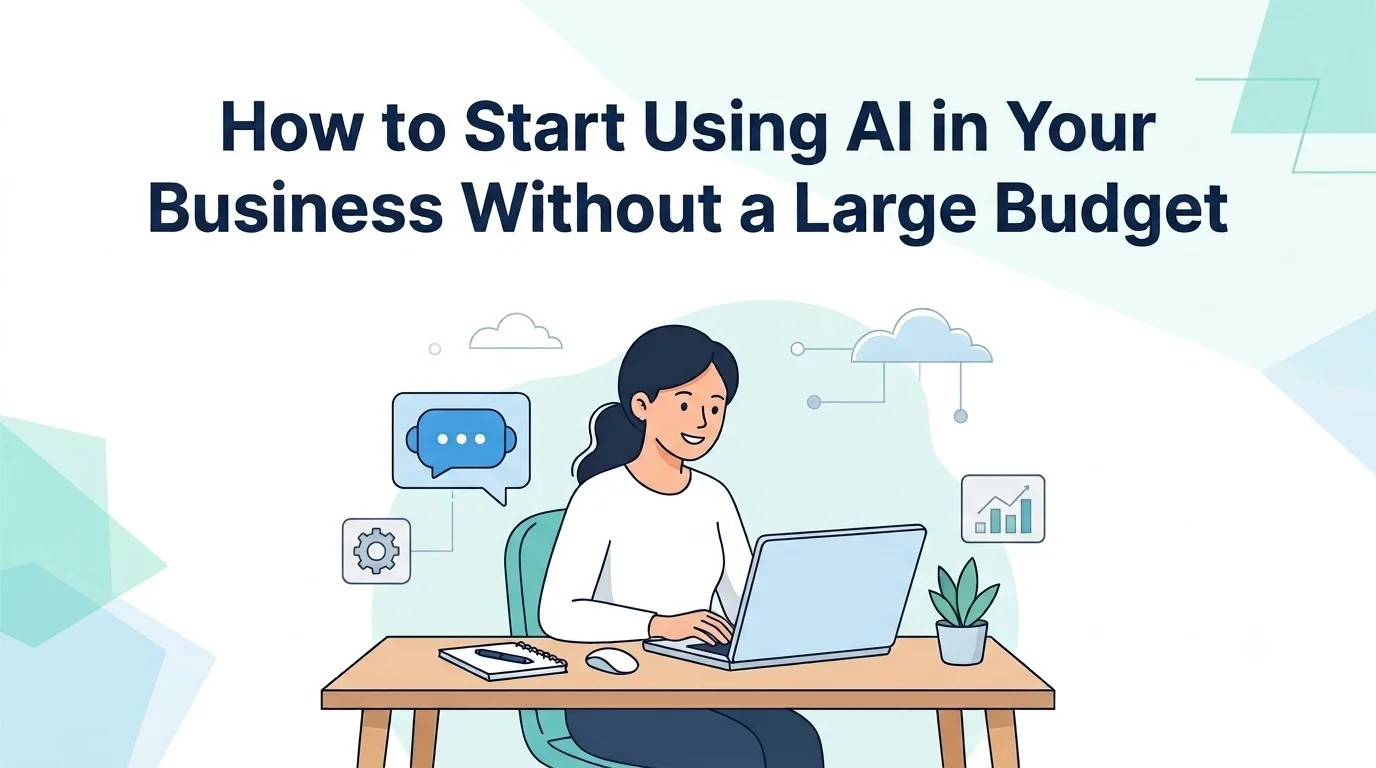
You don’t need a big budget to start using AI in your business. Most small businesses can begin with free or low cost AI tools for basic tasks like customer replies, content drafts, and scheduling, then move to paid AI automation or AI development services only once those tools are stretched. This is really what AI for small businesses looks like in practice: starting small, picking one repetitive task, and building from there instead of trying to “do AI” all at once.
What Does AI Actually Mean for a Small Business?
AI for business, in plain terms, is software that can do tasks that normally need a human to think a little, like answering a customer question, sorting data, writing a first draft, or predicting what might happen next. Put simply, if someone asks what is AI for business, the honest answer is that it’s not robots or science fiction; it’s mostly text and pattern recognition running quietly in the background of tools you may already use.
For a small business owner, this usually shows up in three forms: chatbots that talk to customers, automation that moves data between apps without you touching it, and generative tools that draft emails, captions, or product descriptions for you. None of these require a computer science degree to use. Most run inside apps with a simple chat box or a few settings to fill in. Once you know what AI actually looks like in practice, the next natural question is whether a business your size can realistically use it.
Can Small Businesses Actually Use AI?
Yes, and most already are, even if they don’t call it “AI.” If you’ve used Grammarly to fix your writing, an automated WhatsApp reply, or a scheduling tool that suggests time slots, you’ve used AI. Small businesses can absolutely use it, and in many ways they benefit more than large companies do, since one small AI tool can replace an entire task that used to eat up someone’s afternoon.
The businesses that get the most out of AI tend to have one thing in common: they pick one annoying, repetitive task and fix that first, instead of trying to overhaul everything at once. A business that starts with one simple win, like automating order confirmations, tends to see results far faster than one that waits to plan out a company wide AI strategy before doing anything at all. Knowing AI is usable is one thing; knowing where it actually helps day to day is what makes it worth adopting
How Can AI Help Your Business Day to Day?
AI mostly helps by removing small, repeated tasks from your day, replying to common questions, organizing leads, drafting content, and flagging things that need your attention. It’s less about big transformation and more about giving you back hours every week.
A few real examples: a salon using an AI chatbot to handle “are you open today” questions so staff aren’t stuck on the phone between clients. A small retailer using AI content generation to write product descriptions for twenty new items instead of writing each one by hand. A consultant using AI to summarize long client emails into three bullet points before replying. None of these need a developer; they need the right tool matched to the right task.
Can AI Improve Employee Productivity?
Yes, largely by taking over the parts of a job that eat time without needing real judgment. Tasks like sorting emails, drafting first pass responses, or pulling data into a spreadsheet are where AI powered automation tends to save the most hours, freeing employees to focus on the work that actually needs a human decision.
It’s worth being honest here: AI doesn’t make people work faster at everything, and pushing it into tasks that need real judgment or a personal touch can backfire. It works best on the boring, repetitive 20% of a job, not the whole job.
How Can AI Automate Repetitive Tasks?
Most AI workflow automation tools work by watching for a trigger (a new order, a new email, a form submission) and then automatically doing something in response (sending a confirmation, updating a spreadsheet, notifying a team member). Tools like Zapier, Make, and n8n are common starting points because they connect to apps small businesses already use, like Gmail, WhatsApp Business, and Google Sheets, without needing custom code.
A simple example: a new customer inquiry comes in through your website form, automation logs it into a spreadsheet, sends the customer an automatic reply, and pings your team on WhatsApp, all without anyone touching a keyboard.With a clearer picture of what AI can actually do for your day to day operations, the practical question becomes what it costs to get there.
How Much Does AI Cost for a Small Business?
For most small businesses, AI costs range from free to around ₹3,000 a month for basic tools, and roughly ₹10,000 to ₹60,000 for a fully set up automation or chatbot system, depending on how custom it needs to be.
Many of the most common AI tools for small businesses are chatbots, writing assistants, and scheduling automation, have free tiers or cost a few hundred to a couple of thousand rupees a month. The expensive part isn’t AI itself; it’s custom-built solutions trained specifically on your business data, which is a different, and optional, tier of spending.
Think of it in three price bands: free tools for basic tasks, low cost subscriptions, roughly ₹500 to ₹3,000 a month, for automation and content generation, and custom AI development, which is where costs rise and where you’d typically bring in an AI development company rather than doing it yourself. Full AI implementation for small businesses, with automation connected across multiple tools, tends to land somewhere between ₹10,000 and ₹60,000 for setup, depending on complexity.
The honest answer is that cost scales with how custom the solution needs to be. A generic chatbot template costs very little. A chatbot trained specifically on your product catalog and integrated with your inventory system costs more, because someone has to build and test that integration properly.
Is There Free AI Software for Businesses?
Yes, quite a lot of it. Many AI tools, including popular chatbot builders, writing assistants, and basic automation platforms, offer free plans that are genuinely usable for a small business, not just a limited trial. The catch is usually a cap on usage, like a limited number of messages or automation runs per month, which is often enough for a business just starting out. Once the cost picture is clear, the next step is turning that into an actual plan you can follow.
How to Use AI in Business on a Budget: A Step by Step Approach
The most budget friendly way to start is to pick one repetitive task, find a free or cheap tool that solves just that task, run it for a few weeks, and only then decide whether it’s worth expanding or paying for something more advanced.
Here’s what that looks like in practice:
- List your most repetitive weekly tasks: Replying to the same customer questions, updating a spreadsheet, writing similar social captions.
- Match one task to one free tool: Don’t try to solve everything at once.
- Run it for two to four weeks: See if it actually saves time or creates new problems.
- Expand only what’s working: If the chatbot is handling 80% of queries well, invest a little more into it. If it’s causing confusion, scale back.
- Bring in outside help only when you hit a wall: This is usually when you need integrations across multiple systems, which is where AI development services start to make sense over DIY tools.
Start With AI Workflow Automation Before Anything Else
If you only do one thing from this list, make it automation. AI workflow automation tends to give the fastest, most visible return for the least money, because it doesn’t need training data or complex setup; it just needs your existing apps connected sensibly. With a step by step approach in hand, it helps to know exactly which tools fit a business that’s just getting started.
What Are the Cheapest AI Tools for Startups to Try?
For a startup with almost no budget, the cheapest and most useful starting tools tend to be a free AI chatbot for customer queries, a free tier AI writing tool for AI content generation like emails and social posts, a basic automation platform for connecting your CRM and messaging apps, and simple AI marketing tools for scheduling and captioning social content. Together, these cover the bulk of what a very early-stage business actually needs, and most of them can be run entirely on free plans before you spend a single rupee.
None of these require hiring anyone. They’re built to be used directly by a founder or a small team, which is exactly why they’re the right first step before considering full AI development services. Two areas tend to benefit the most once these tools are in place: customer service and sales.

Can AI Improve Customer Service Without Hiring More Staff?
Yes, this is one of the clearest wins for small businesses. AI customer support tools, mainly chatbots, can handle repeated questions like store hours, pricing, and order status instantly, at any hour, without adding a single person to payroll.
The key is setting expectations correctly. AI customer support works best for repetitive, predictable questions. It should hand off to a real person for anything emotional, unusual, or high value, like a complaint or a large order. Businesses that get this balance right end up with faster response times and happier customers, without pretending the AI is human.
How Does AI Help Sales Teams Close More Deals?
AI mostly helps sales teams by sorting and prioritizing leads, so reps spend time on the people most likely to buy instead of chasing everyone equally. Predictive tools can flag which leads are going cold, which ones match your best past customers, and which follow ups are overdue, turning a messy lead list into a clear to do list.
For a small sales team, this often means the difference between reacting to whoever emails first and proactively working the leads that actually convert. It’s not about replacing salespeople; it’s about pointing their time in the right direction.
Once you’ve squeezed what you can out of free and low-cost tools, the last question is knowing when it’s time to bring in outside expertise, and what that actually looks like.
Should You Hire an AI Development Company, or Keep Automating Solo?
Start solo with free and low cost tools for single tasks; bring in an AI development company once your DIY AI automation for small business starts creating more work than it saves, like when you’re manually copying data between three different apps because they don’t talk to each other, or your chatbot keeps giving wrong answers because it wasn’t set up properly for your actual products.
Most small businesses can go a surprisingly long way with off-the-shelf tools. Where DIY tends to break down is integration, getting your chatbot, CRM, inventory system, and payment gateway to actually talk to each other without manual patchwork. That’s the point where AI development services earn their cost, not by building something flashy, but by making the pieces work together dependably and being available when something breaks.
At that stage, a short conversation with an AI development company, even just a scoping call, can clarify whether you need a small automation fix or something more custom. Reputable companies, including ones based in tier-2 hubs like Faridabad that combine AI, automation, and web development under one roof, are usually happy to start with a small pilot project rather than pushing a large contract right away. That keeps the budget friendly spirit of this whole approach intact, even once you’ve outgrown free tools.
Frequently Asked Questions
1. Do I need coding skills to use AI tools for my business?
No. Most AI tools built for small businesses, chatbots, writing assistants, and automation platforms, are designed with simple, visual setups that don’t require any programming knowledge.
2. Can AI content generation completely replace a content writer?
Not entirely, at least not for anything that needs a strong brand voice or original ideas. It works best as a first-draft tool that a person then edits and refines, rather than a full replacement.
3. How long does it usually take to see results from AI automation?
Most small businesses notice time savings within two to four weeks of setting up a simple automation, since the benefit, fewer manual steps, is usually immediate once it’s running correctly.
4. What’s the actual difference between AI tools and AI development services?
AI tools are ready made software you set up yourself for a specific task, while AI development services involve a company building or customizing a solution around your specific business, data, and systems.
5. Is it safe to use AI tools with customer data?
It can be, as long as you check the tool’s data privacy policy and avoid feeding sensitive customer information into